Anydesk
AnyDesk, a fast remote access to computers

Safe & Secure
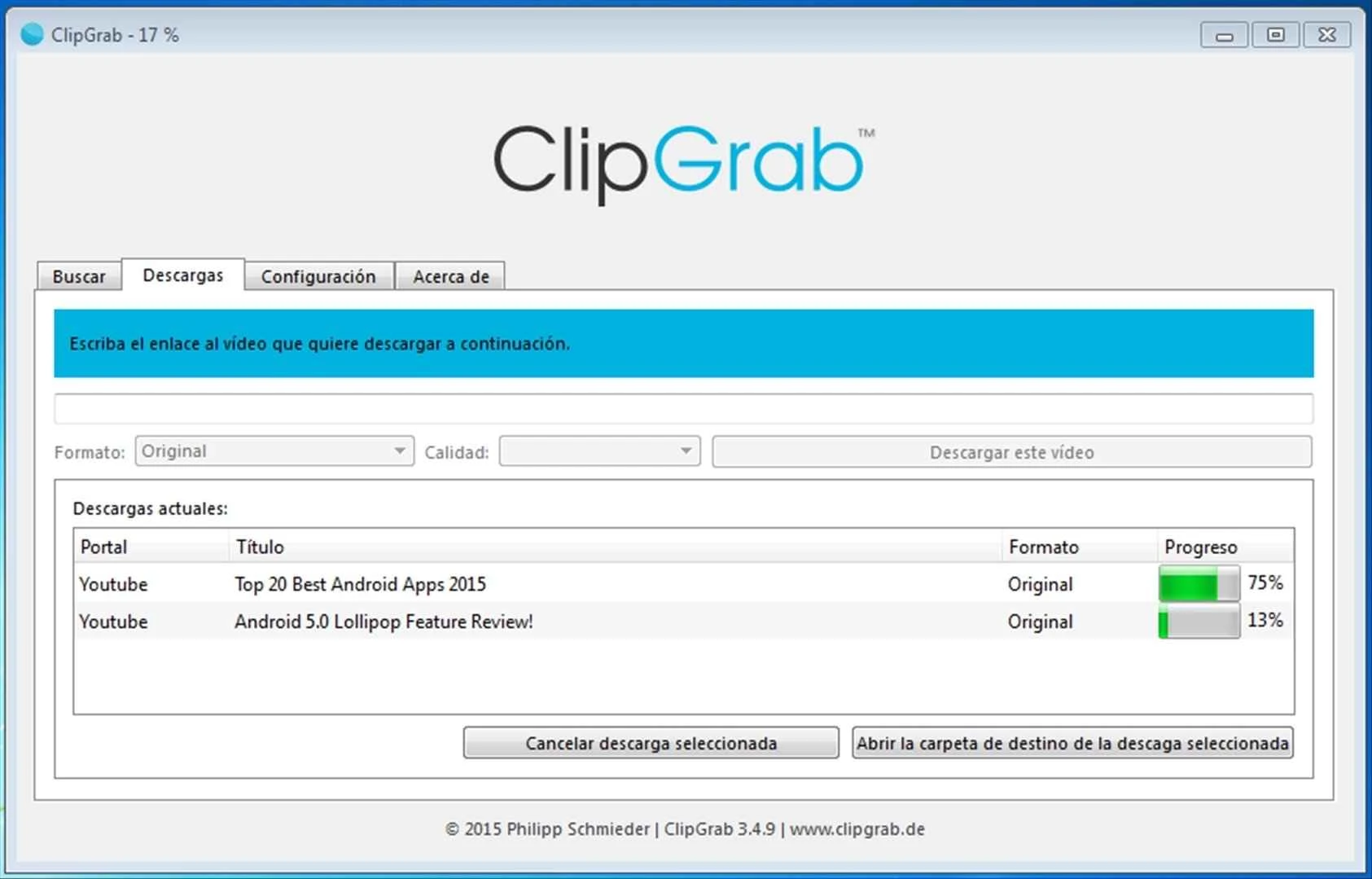
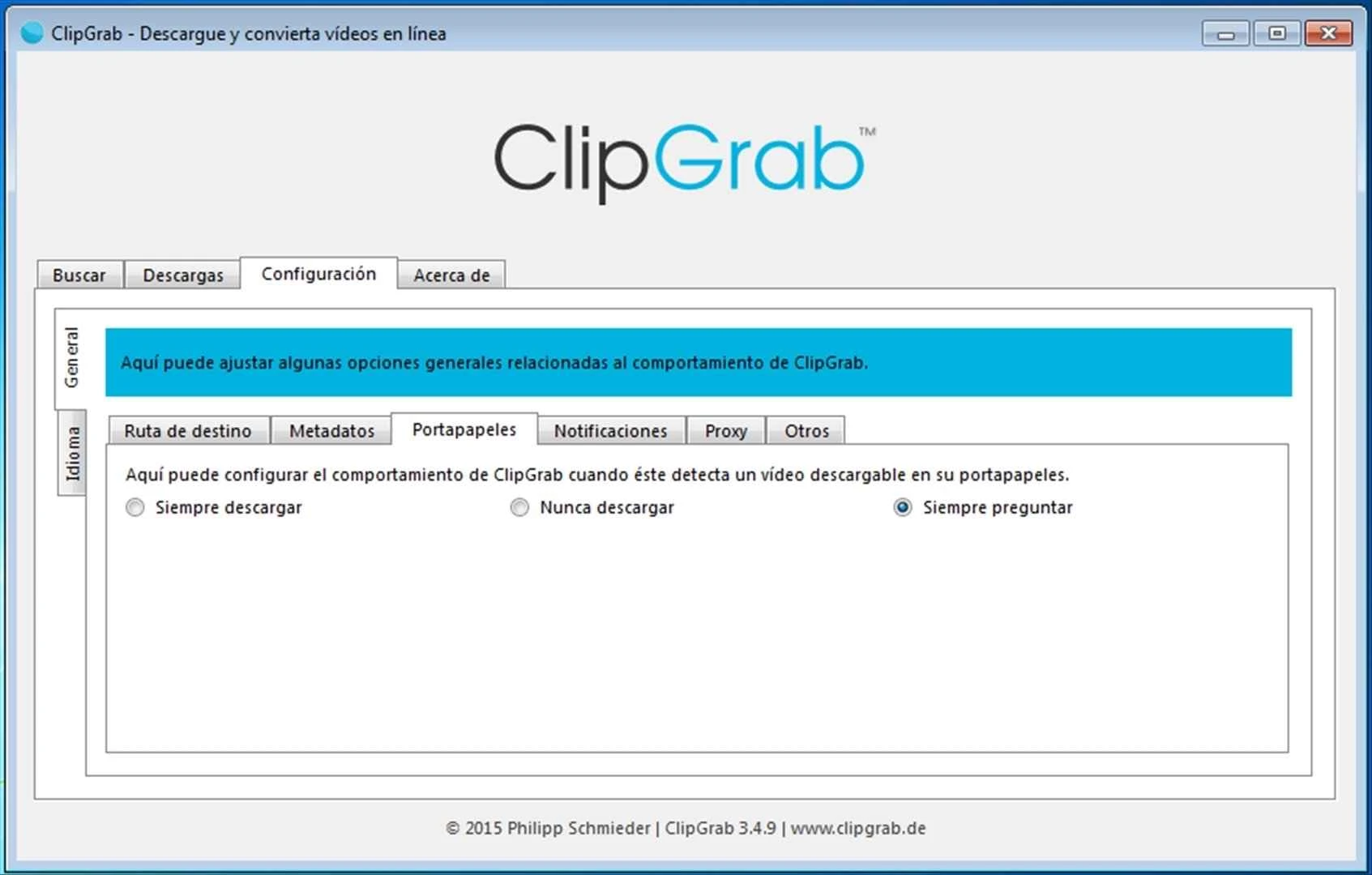

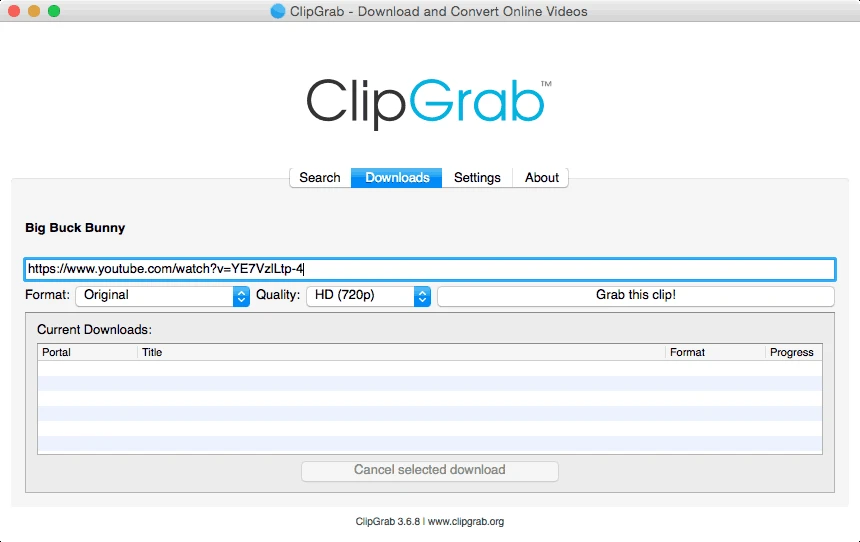

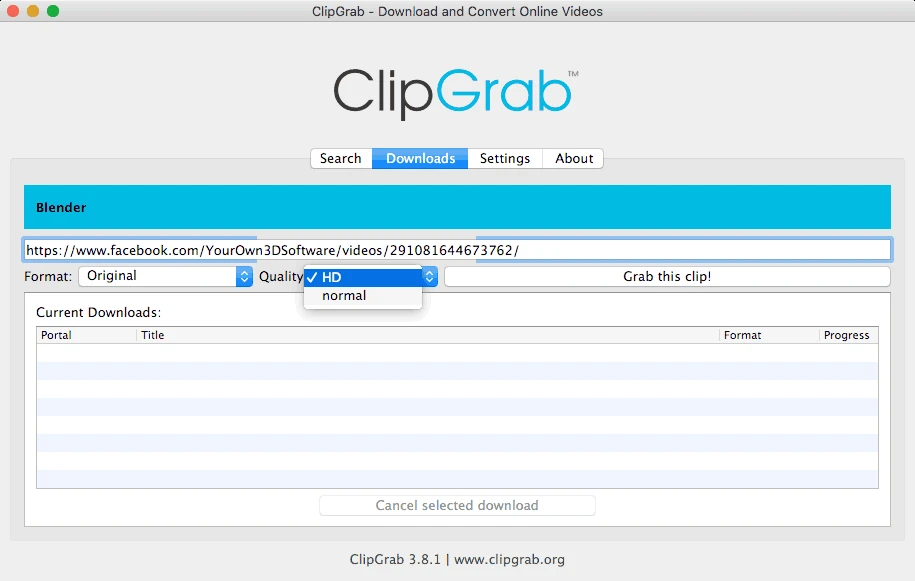

ClipGrab is a powerful video downloader, allowing users to download their desired visual content from multiple streaming websites. It is a standalone app and offers an exclusive service instead of relying on a web browser. The free-to-use app helps you add your favorite visual content without demanding any subscription plan.
The app supports multiple file formats to ensure playback of your downloaded content on all popular multimedia players. The free-to-use app offers free services for adding your favorite visual content to your device without demanding any subscription plan.
ClipGrab, developed by Philipp Scmieder, falls under the Audio & Multimedia category and is freeware. It supports multiple video-sharing platforms such as YouTube, Dailymotion, Facebook, Clipfish, Vimeo, and MyVideo. It not only allows users to download their favorite videos, but also enables them to convert them into any other format.
The standalone app supports multiple formats to ensure the playback of your favorite videos on all popular multimedia platforms. It offers a built-in search option, enabling users to locate and download their favorite videos without opening a web browser.
The app offers awesome services to grab your favorite visual content and save it to your device to watch, even when you are offline. The downloading process is improved, as it supports an extensive number of video-sharing platforms, including YouTube, DailyMotion, Vimeo, Clipfish, Tudou, MyVideo, MySpass, Sevenload, and so on. This huge compatibility offers versatility of content, enabling users to grab videos from their desired platforms.
The integration of an innovative search option makes your access to your relevant videos and files on different video-sharing platforms. The free-to-use functionality makes the app one of the most competitive titles. The built-in search tab helps you easily locate your desired videos on the internet hassle-free, without opening your web browser. You can search up to 12 results simultaneously. However, the developers are claiming to enhance the number of search results.
The support for multiple file formats enables users to leave the downloaded file as it is, or change it into another format. It offers support for multiple formats such as MP3, OGG Vorbis, MPEG4, OGG Theora, WMV, and so on. The huge collection of formats makes it possible to select the format for your videos that is reliably suitable for your multimedia player. Moreover, the app is regularly updated, so the list of supported file formats is updated as well.
It is another significant feature for keeping your video downloads, file conversions, and other data on track. It is the best solution for downloading multiple files simultaneously and keeping your multimedia files organized. You can manually copy/paste the URL, but clipboard monitoring is useful for any appearance of supported URLs. The app doesn’t support any web browser, so you have to launch the app manually every time you need to download your desired visual content.
The availability of extensive drop-down menus enables users to change their files according to their preferences. The drop-down menus are available at the top of the window, allowing users to select their desired one, and make changes. Here, you can easily select your desired quality using the Quality drop-down menu, and select the HD option to download videos in HD quality, if the HD version is available for your desired video.
The app supports the Growl notification system for detecting the link that is saved to the clipboard and reliably downloading the files automatically. It helps to avoid the hassle of clicking multiple buttons to start the process; instead, it offers a dedicated download button on multiple integrated websites to make your downloading process hassle-free without opening the software every time.
The support for multiple operating systems and their versions makes the app one of the most useful utilities, as you can run it on Windows 7, Windows 11, Windows 10, Linux, and macOS as well. The app's simple and intuitive interface proves to be the best combination of a functional, solid converter, editor, and, of course, downloader. However, the lack of web browser integration can create some inconvenience, but you can copy/paste multiple links using your web browser into the download queue.
The regular updates offer a lot of advanced functionality, as you will find in the most recently updated version: improved MP3 file tagging, FFMPEG to OGG Vorbis file conversion, support for YouTube download pages, and so on. In addition, the incorporation of ID3 artist tags and the creation of audio files are also available.
Pros
Cons

AnyDesk, a fast remote access to computers

Accelerated Downloading with Internet Download Manager (IDM)

SHAREit for PC is the best option for a P2P file-sharing process without using Wi-Fi.

ShareMe for PC, a freeware and streamlined file-sharing app

uTorrent, a powerful, lightweight, and fastest P2P file-sharing software

Xender for PC, an effective and convenient file transfer utility